

Call Us

Contact Us
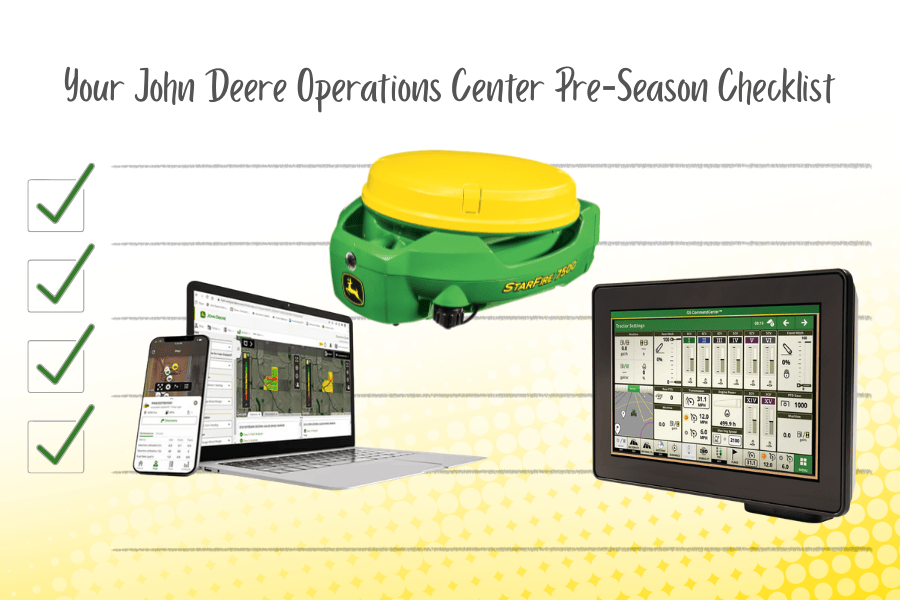
When spring hits, nobody wants to lose time to missing boundaries, outdated products, or displays full of last year’s prescriptions. A little prep in John Deere Operations Center™can prevent delays, reduce confusion in the cab, and help your team run smoother from day one.
Below is the Riesterer & Schnell Precision Ag pre‑season checklist we recommend completing before the 2026 growing season. Use it as a quick guide — and if you’d like help, our Precision Ag team is ready to jump in.
Before you build plans or sync data, confirm anything new for 2026 is in the system.
Checklist
Why it matters: accurate equipment setup helps ensure the right data flows to the right place.
This is the foundation of clean documentation and smooth in-field execution.
Checklist
Pro tip: If operators can’t find the right field quickly, it slows everything down.
Guidance lines can get messy over time — especially if multiple operators or displays are involved.
Checklist
Why it matters: fewer wrong selections = fewer headaches.
If you want clean records and accurate reporting, products should be correct before you begin.
Add/remove products including:
Why it matters: accurate product lists support better documentation and analysis.
A common pre-season issue: a key person can’t access what they need when it’s go-time.
Checklist
Why it matters: avoids access issues during planting/spraying when speed matters.
Planning early improves consistency across equipment and operators.
Checklist
AutoPath is only as good as the boundaries and row data tied to the plan.
Checklist
In-cab clutter is real — and it leads to mistakes.
Checklist
Timing matters: sync after your Operations Center is up-to-date.
Checklist
If you’re running older displays, setup files help ensure current info loads correctly.
Checklist
Q: When should I do this checklist?
A: Ideally 2–4 weeks before you plan to roll, so there’s time to fix boundaries, access, or setup file issues.
Q: What’s the biggest time-saver?
A: Field boundaries + guidance lines + cleaning display clutter.
Q: Can Riesterer & Schnell help us do this faster?
A: Yes — our Precision Ag team can help with setup, cleanup, permissions, and syncing.
Want a Precision Ag specialist to review your Operations Center before spring?
Add your preferred timing and what you’re running (Gen4, G5, 2600, 2630, AutoPath, etc.), and we’ll help you get ready. Contact us.


